
As I wander through the breathtaking landscapes of Miraland in Infinity Nikki, I’m constantly reminded why this game’s photography system is, frankly, a game-changer. I mean, come on—who wouldn’t want to capture those magical god rays filtering through ancient trees or Nikki’s latest outfit against a sunset backdrop? What started as a simple feature has evolved into one of the most rewarding parts of my daily adventures, especially now in 2026 with all the quality-of-life updates. The best part? You can earn in-game currency just by being a shutterbug. Talk about a sweet deal!
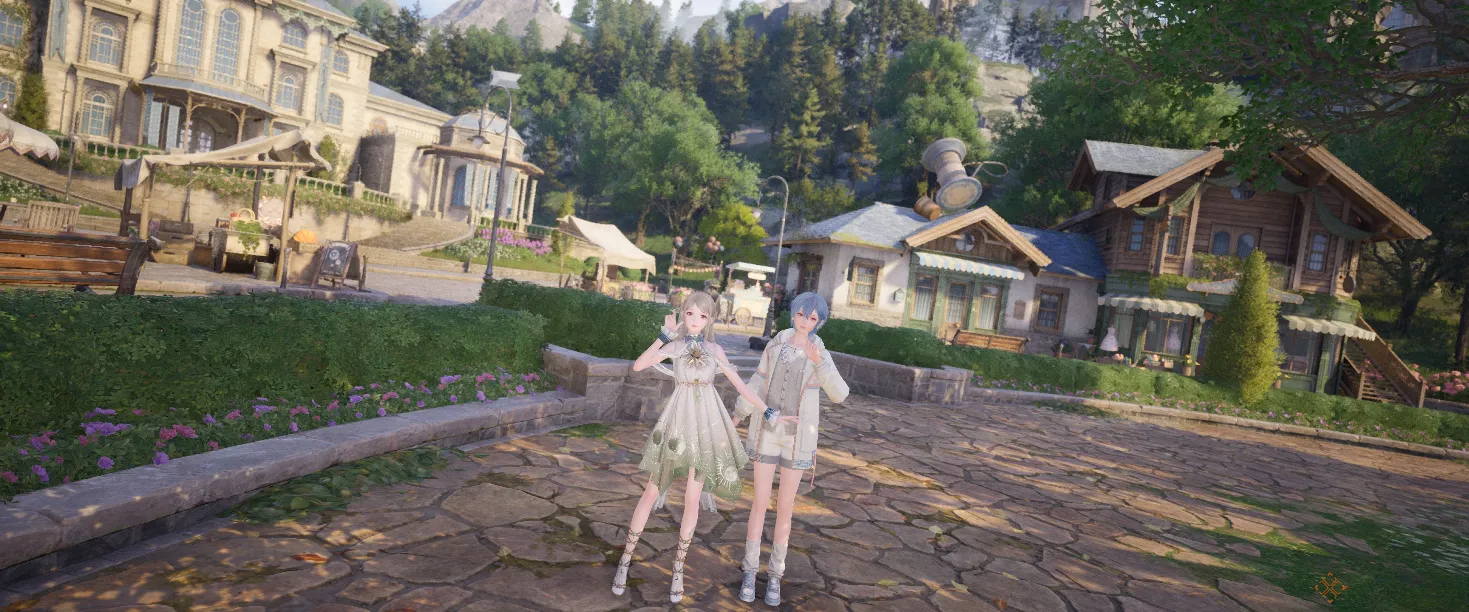
Getting your hands on the camera is easier than you’d think. I remember unlocking it during Chapter 1 in the Land of Wishes—specifically after helping Jean and Ruby at the wishing tree with some Floof Yarn. Shortly after, I met Bebe, who’s this adorable, slightly nervous character Dada mentioned earlier. After a bit of encouragement (she’s a softie, really), she hands over the camera, and just like that, my photography journey begins. To access it, I simply press P on my keyboard, the left bumper on controller, or tap that cute camera-with-cat-ears icon in the top-left corner. Want an instant snapshot? Pressing F12 or both thumbsticks captures whatever’s in front of me—no fuss, no menu diving.
Once in photo mode, I’m greeted with what I can only describe as a photographer’s playground. The options available from the get-go are surprisingly deep:
| Control Type | Available Options |
|---|---|
| Camera | Hide Nikki, Focal Length, Rotation, Aperture, Grid/NPC/Eureka visibility |
| Graphics | Vignette, Soft Light Intensity/Range, Brightness, Exposure, Contrast, Saturation, Highlights, Shadows |
| Pose | A long list of pre-built poses for Nikki |
| Lighting | Various setups including hue lighting |
| Filter | Multiple artistic filters to overlay |
But here’s where things get really interesting. The initial selection is good, but the real progression comes from unlocking more poses, lighting, and filters. To do this, I open photo mode and click the wrench and screwdriver icon in the top-right (or press U). This opens the Camera Modifications menu.
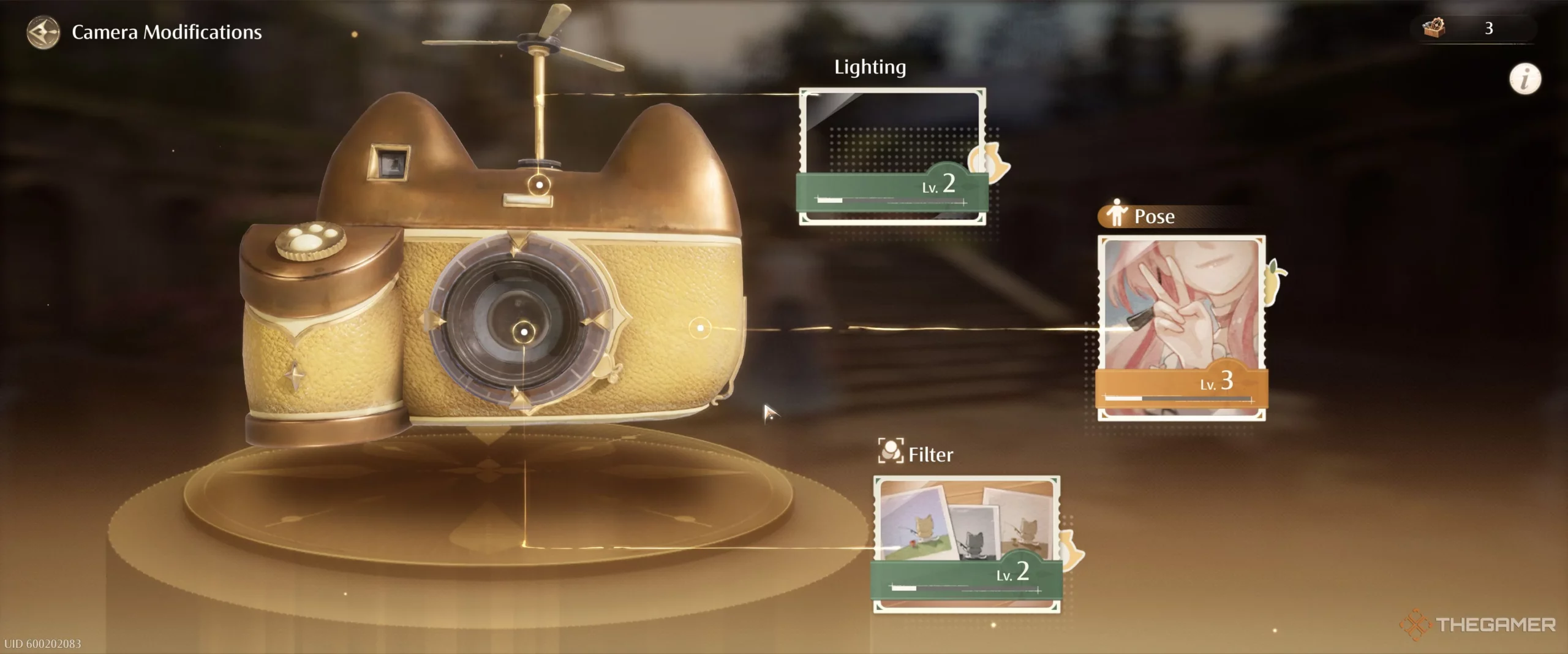
Upgrading requires items called Upgrade Packs, which I earn by completing random photography quests while exploring—think “Photo Investigations,” “Risky Photography,” or “Forced Perspective.” Each completed quest typically gives three Upgrade Packs and ten Diamonds. The upgrade costs scale up, though:
-
Level 1: 1 Pack
-
Level 2: 2 Packs
-
Levels 3-4: 3 Packs
-
Levels 5-7: 5 Packs
-
Levels 8-10: 7 Packs
-
Levels 11-12: 9 Packs
In total, you’ll need 60 Packs per camera upgrade category, meaning 180 Packs to max out all three. It’s a grind, but oh boy, is it worth it when you unlock that perfect golden-hour lighting setup.
Now, let’s talk about one of my favorite 2026 features: the Expedition Handbook. This is essentially a scavenger hunt across Miraland with 40 specific photo locations to discover. To unlock it, I simply needed to take five photos. After that, I received a text from the LuminaLens Touring Photographer in my Friends menu introducing the Handbook.
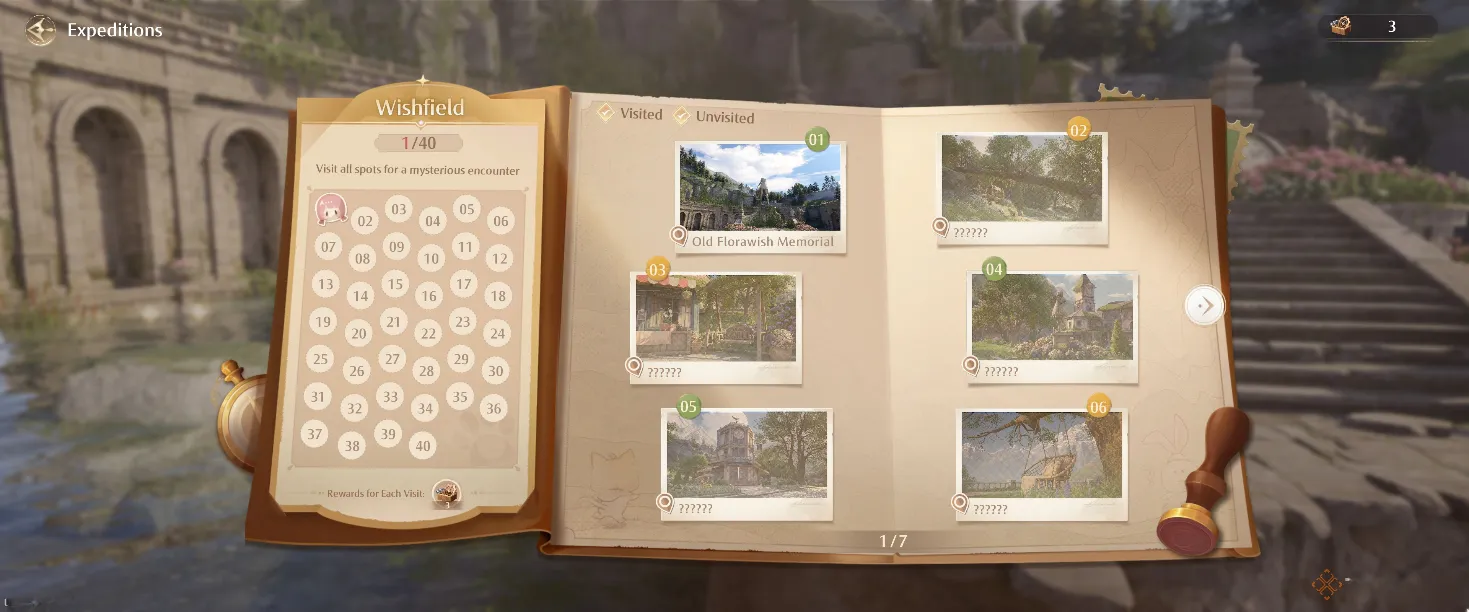
Once unlocked, I can access it via the book and pawn symbol at the top right. Each location is marked, but getting the shot to register requires some finesse. First, I need to reach the exact spot until the location name appears in my quest log under the camera icon. Then, in photo mode, I pan until framing the landmark correctly—when I do, a “Goal Achieved” message pops up. I must Upload the image to get credit, rewarding me with three Upgrade Packs per location. Pro tip: Some spots are tricky; patience is key!
But what’s the point of taking amazing photos if you can’t show them off? Infinity Nikki’s community sharing feature is where the magic truly happens. After snapping a masterpiece, I hit Snapshot in the bottom-right. From there, I can add a description (up to 100 characters) and post it to the cloud. I’m limited to 50 snapshots, so I choose my best work.
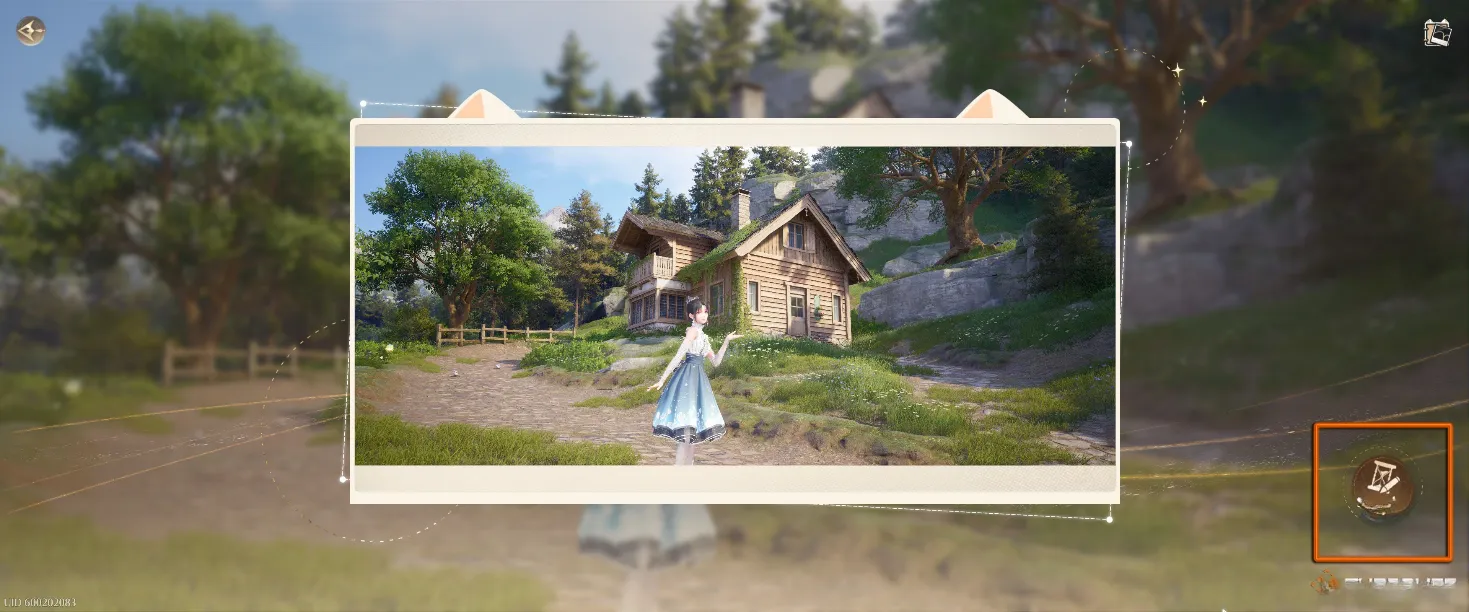
Here’s the cool part: Other players exploring Miraland will see a glowing, floating hourglass where I took my picture. They can interact with it to view my creation. If I enable sharing, they can even add their own snapshots to the location or send a friend request. Opting out lets them view without interaction. It’s a lovely way to feel connected in this vast world—like leaving little pieces of art for others to discover.
Reflecting on my time with Infinity Nikki’s photo mode, I’m struck by how much depth it adds. It’s not just a side activity; it’s a proper progression system with tangible rewards. Whether I’m hunting Handbook locations, experimenting with new filters from camera upgrades, or sharing my favorite shots with the community, photography has become central to my Miraland experience. So grab that camera, get out there, and start snapping—you might just surprise yourself with what you create. And who knows? Maybe I’ll stumble upon one of your glowing hourglasses during my next adventure.